
Dedicated agents of a customer or supervisors may add tickets to any date field within this open work order once it is created.
From your nav menu or dashboard, select Work Orders.
1. Select the Add Work Order icon.

2. Choose the Customer from the dropdown.
3. Select the Work Site from the dropdown.
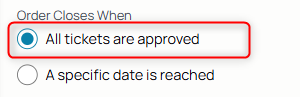
4. Select All tickets are approved as the parameter for completion.
5. Select the ticket's execution date.
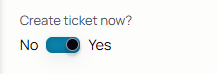
6. To create a ticket using the ticket form, select Yes.
7. If the selected customer requires customer signatures enabled, choose yes or no from the toggle for the subsequent generated ticket. 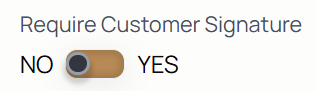
8. Select the ticket type.
9. Select the agent or agents from the assignee field.
10. Add any additional notes or details into the dialog box.
11. Select Submit to add the work order and ticket to the agent's workflow. The page redirects to the newly-created ticket's activity tab.
Products / Services
To include items on the subseqent tickets, use Add Product or Services icons to add them to the work order.

Add any items to the work order, products and services, and their quantities.