
Dedicated agents of a customer or supervisors may add tickets to any date field within this open work order once it is created.
From your nav menu or dashboard, select Work Orders.
1. Select the Add Work Order icon.

2. Choose the customer from the dropdown.
3. Select a Specific date is reached as criteria for completion.
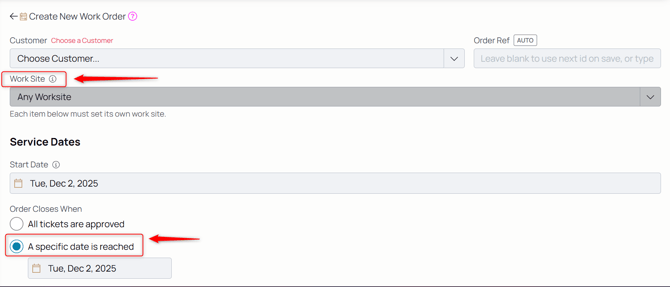
4. Select the beginning date if it's anything other than today's date.
5. Select the end date.
6. Select Submit to add the work order to both the dedicated agents' and supervisors' workflows.