If you'd like to learn more about how to add or modify agent tiers, click here for a handy how-to.
From the Agents part of Spearhead, you can set agent tiers. Tiers are an easy way to separate different kinds of labor, technicians, and job classifications for easy price setting.
Find the agent tiered pricing on the nav menu here:
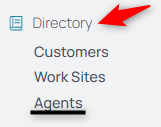
From there, you can find agent tiers through that tab's middle menu:

Here, set or modify agent tiers, allowing for several tiers to exist. Simply add an agent to a tier and their pricing is enacted across tickets and invoices, once the pricing is set for the tier in the customer's Pricebook.
Add a new tier, then navigate to your Pricebooks to set all the prices across that tier:

Use the middle menu to navigate here and choose the Pricebook to add the agent tier:

Use the Edit button to edit an Agent Tier's pricing:

Implement pricing for each agent in this tier's day, hourly labor, hourly travel, and hourly overtime, plus their set price per travel mile.
NOTE: The effective date can be past, present, or future so that all pricing for an Agent Tier is accurate for invoicing purposes. You can set a price fluctuation for a future date and any impacted agent from that Agent Tier would be accounted for accordingly.
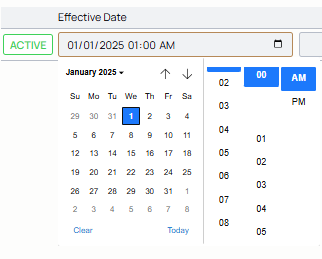
Backdate or change past pricing structures easily using this calendar edit button to select the Effective Date:
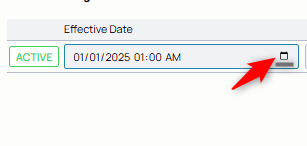
Select a different date, past or future: