
From the Workflow of your Spearhead interface, you may need to change how you view a list of workorders or tickets. To change the view of the tickets' list, follow these steps.
1. From the Ticket section of your Spearhead workflow, find or expand the search bar in the middle of the screen.


2. Next to it are three icons:

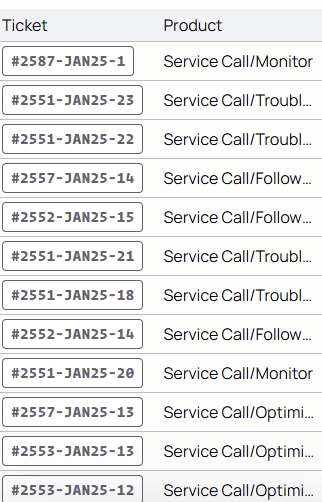
a. The first is the table view:
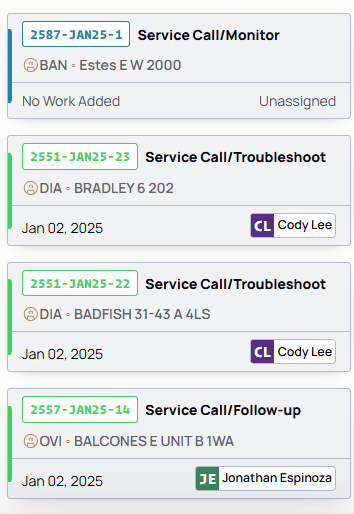
b. The second is the card view:
c. The third is the calendar view.
3. Select the icon to choose how you view your list.