
Spearhead Support addresses issues or questions that arise in your usage of Spearhead. In addition to the chatflow feature, you can also use the help function to access Spearhead's Knowledge Base, a repository of helpful articles for navigating and functioning within Spearhead.
You can access it from this URL: https://docs.spearheadops.com/ or your nav menu in Spearhead.
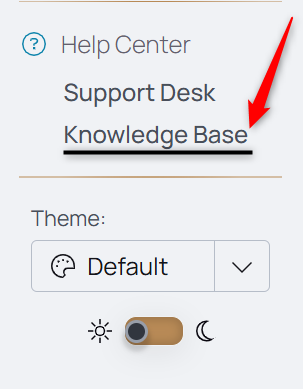
Additionally, you can use the Help? from the chatflow using Spearhead Support to access the documentation.

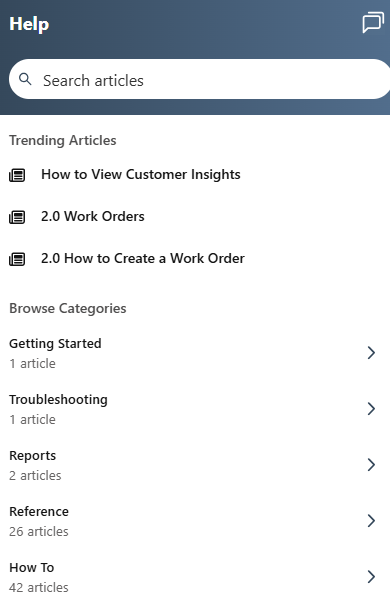
1. Expand the navigation menu.
2. At the bottom of the nav menu is the Help Center, just above the Theme selection.
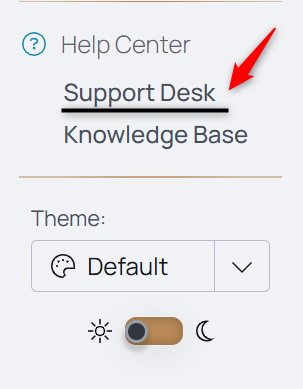
3. Clicking this pulls up a dialog box in the right corner of your screen to begin your Spearhead Support request for the chatflow.
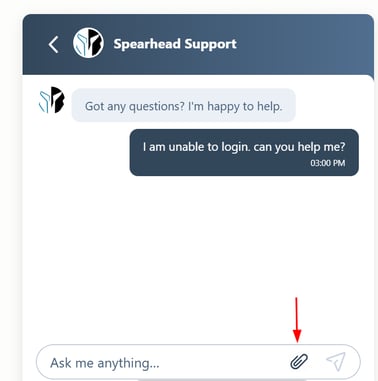
4. Compose a detailed message, describing the error or issue you're experiencing.
5. If unavailable, Support responds with a request for your work email address to contact you about your issue.
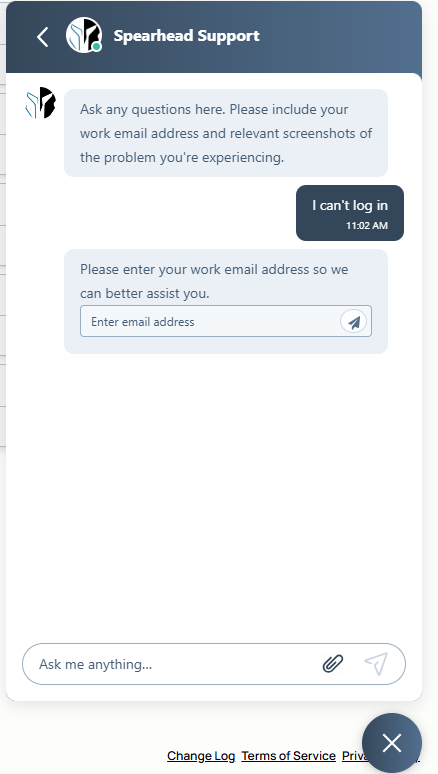
5. Enter your work email address, select Send.

Include screenshots or pictures of as much relevant information so the team can better address the issue with less back and forth. Use the attach file icon to pull up the screenshots and attach them to the chat request.
6. Your message will be left with Spearhead Support and addressed at the next available time.
About Spearhead Support:
The support widget maintains records of any support items, chats, or requests sent. To view all your chats, click the Back button in the top menu.
To create a new support message, click the Create button in the top right corner of the main menu.
To close live support or end the chat, click the Close button beneath the chat widget.
Support Hours:
Monday - Friday 9AM - 5PM Central (excludes weekends and holidays)