
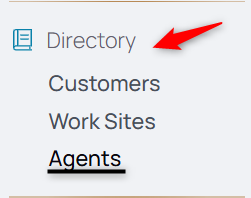
1. From the Nav menu, select Agents under Directory.
2. Select the Add Agent icon.

3. Enter the new agent's information.
4. Select their user role.
If you're unsure which role is right for the new user, check this Roles and Capabilities Guide.
5. Enter their work email address.
6. Select submit to create the agent profile and send the welcome email access to their work email.