
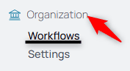
1. From your Spearhead, select Workflows under Organization.
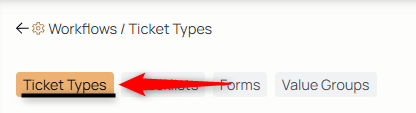
2. From the middle menu under your organization settings, select Ticket Types:
3. Select the Create New icon

4. Type the name of the ticket type in the title field.
5. Describe what the ticket type does, accomplishes, or processes in the description. This description is on any ticket created of that type.
6. Attach checklists, reference docs, forms, and enable customer signatures for all tickets created for this type of job.
7. Select Submit to create the ticket type for attachment to your organization.