
Once a Closed by Date Work order has been created, the following can create tickets:
a. Backoffice
b. Supervisors
c. Dedicated Agents
You can begin by to add one or multiple tickets to an open work order to start tracking work against a customer.
Ensure there is an open work order first. If not, follow these steps to create one.
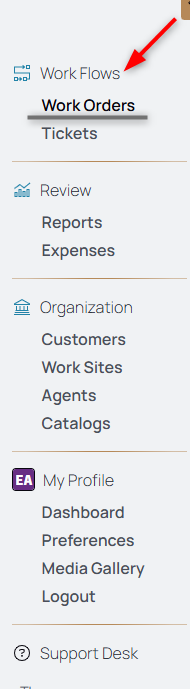
1. From the nav menu, select Work Orders under Work Flows.
2. Select the open work order.
3. Select the Add Ticket icon.
4. Select the ticket type from the dropdown.
5. Select the ticket's execution date.
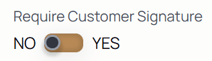
6. If the selected customer requires customer signatures enabled, choose yes or no from the toggle for that specific ticket.
7. Type details in the Ticket Notes/Instructions dialog box.
8. Click Create Ticket to submit the ticket form.